How to Know If Someone Downloaded Your File (Complete Tracking Guide)
If you deliver files to clients, you’ve asked this question: did they actually download it? In 2026, you can track file engagement reliably by sharing a trackable link instead of sending attachments. The right tools let you see clicks, locations, and referrers—so you can follow up with confidence.
What You Can (and Can’t) Track
Tracking depends on the method you use. Important distinctions:
- Email attachments: usually no reliable download tracking
- Cloud drives: some view activity, but often limited and permission-dependent
- Trackable share links: best option for measurable engagement
Method 1 (Best): Share a Trackable Link
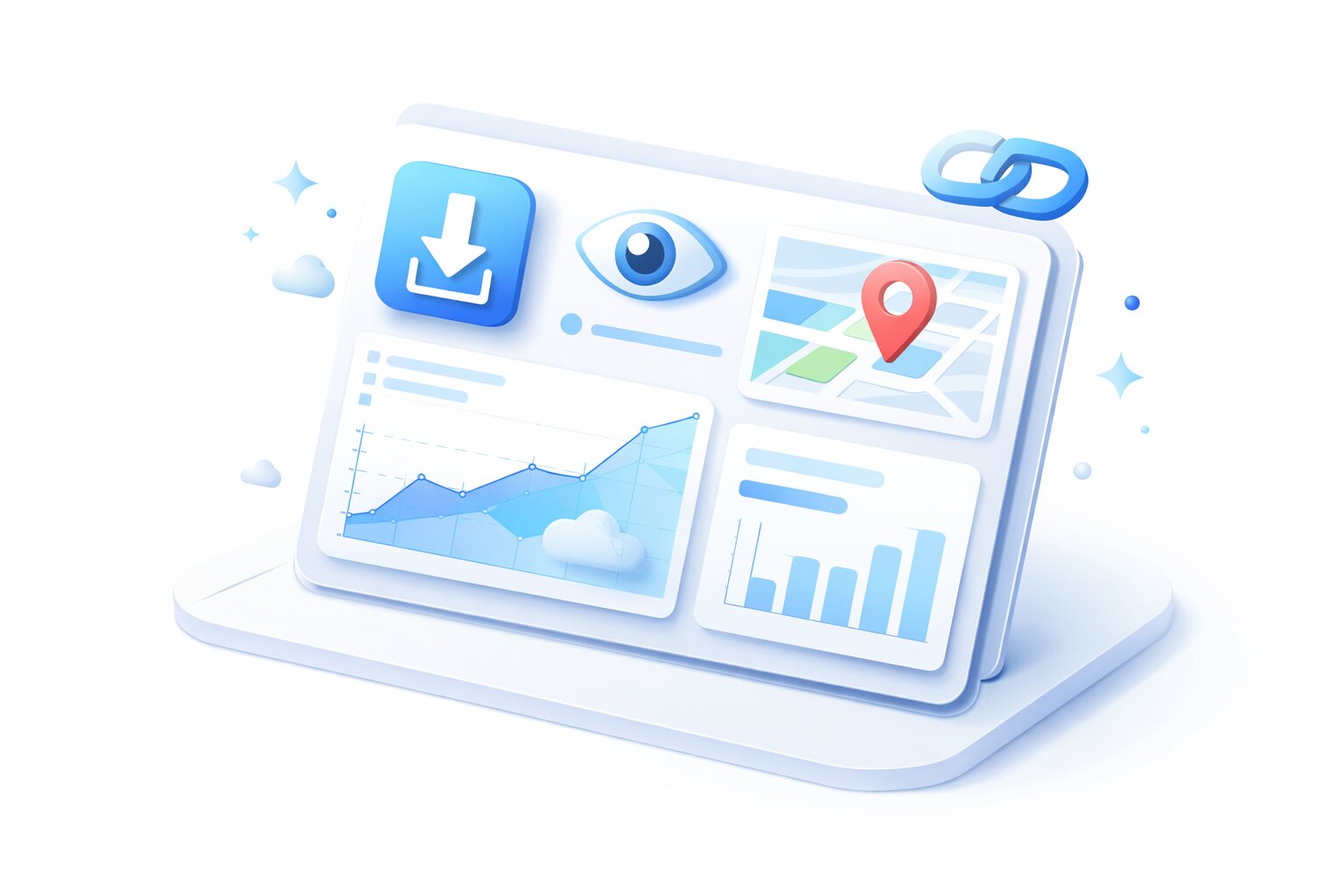
Upload your file to a platform that provides analytics, then share the link. With ROOOMX, for example, you can measure link activity signals like clicks and traffic sources—useful for confirming client engagement and diagnosing delivery issues.
What to Track (Practical Metrics)
1) Clicks / Opens
Confirms the recipient opened the link. Helpful before sending a follow-up.
2) Countries / Locations
Good for distributed teams and security. Unexpected locations can indicate forwarding or leaked links.
3) Referrers (Where the Click Came From)
Tells you which channel drove the click (email, social, website, chat). Useful when you share publicly or across multiple channels.
4) Timing (When They Engaged)
Seeing the timestamp helps you time your follow-up and prioritize leads/clients.
Method 2: Tracking via Cloud Storage Activity
Google Drive/Dropbox may show “viewed” activity in some cases, but it can be inconsistent with external users, multiple accounts, or forwarded links. It’s also harder to see referrers and detailed distribution insights.
Method 3: Use Download Confirmation (Manual)
If analytics aren’t available, ask the recipient to confirm. Not ideal, but works for sensitive deliveries where you don’t want tracking.
Best Practices: Track Without Being Creepy
- Track only what you need (opens, timing, location anomalies)
- Use passwords for confidential files
- Use limits/expirations for sensitive deliveries
- Be transparent in professional contexts when appropriate
Follow-Up Message Template
Hi [Name], just checking that you were able to access the file I sent. If you had any issues with the download link, I can resend it right away.
If you want a reliable answer to “did they download it?”, stop sending attachments and start using trackable share links. Tools like ROOOMX make it easy to share securely and measure engagement signals in one place.